
Download IrfanView (32-bit) – image viewer, image converter, batch processing, photo editing, file format support
Overview
IrfanView (32-bit) is a lightweight, fast, and compact image viewer and converter designed to meet the needs of both novice users and advanced professionals. Developed by Irfan Skiljan, the software is engineered to handle a wide variety of image formats efficiently, making it a reliable tool for digital image management. Its primary purpose is to provide a seamless experience in viewing, organizing, and editing images without the need for bulky software or complex workflows. The application is especially useful for individuals who frequently work with diverse file types, such as photographers, graphic designers, or anyone managing large photo collections.
By supporting numerous image formats, IrfanView helps eliminate compatibility issues that often arise when opening files from different sources. This makes it a valuable utility in both personal and professional settings, particularly where cross-platform file sharing is common. The software’s ability to perform batch processing and editing further enhances its practicality, allowing users to automate repetitive tasks like resizing or renaming multiple images at once. Its minimal system footprint ensures smooth performance even on older or low-resource devices.
Although the developer did not provide additional technical details about the software’s architecture or underlying engine, its long-standing presence in the digital imaging ecosystem underscores its reliability. IrfanView (32-bit) remains a go-to solution for users seeking a no-frills yet powerful tool for image handling. Its free availability and consistent updates contribute to its enduring popularity in the productivity space.
Key Features & Functionality
IrfanView (32-bit) delivers a robust set of tools tailored to modern image management needs. The software supports an extensive range of file formats, including JPEG, PNG, GIF, BMP, TIFF, PSD, and many others, ensuring compatibility across different platforms and applications. This broad support allows users to open and convert files without relying on additional codecs or plugins.
- Wide Range of Supported File Formats – Eliminates the need for multiple viewers by handling over 200 image types natively.
- Thumbnail Option and Fast Directory Browsing – Enables users to quickly scan folders and locate specific images using visual previews.
- Batch Conversion and Editing – Allows processing multiple images simultaneously, saving time when resizing, renaming, or applying filters.
- Advanced Editing Tools – Includes features like cropping, color depth adjustment, IPTC metadata editing, watermarking, and lossless JPG optimization.
- Customization and Extensibility – Offers customizable toolbars, hotkeys, command-line support, and plugin integration for advanced users.
For example, a photographer managing hundreds of images from a shoot can use batch conversion to resize all files to web dimensions while preserving quality. Similarly, a user organizing a family photo album can leverage thumbnail browsing to quickly identify and sort images. The software’s ability to function as both a viewer and a light editor makes it a versatile utility in daily workflows.
Interface, UX & Performance
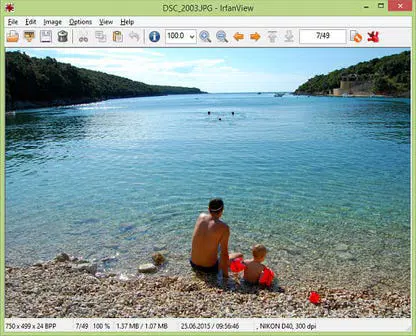
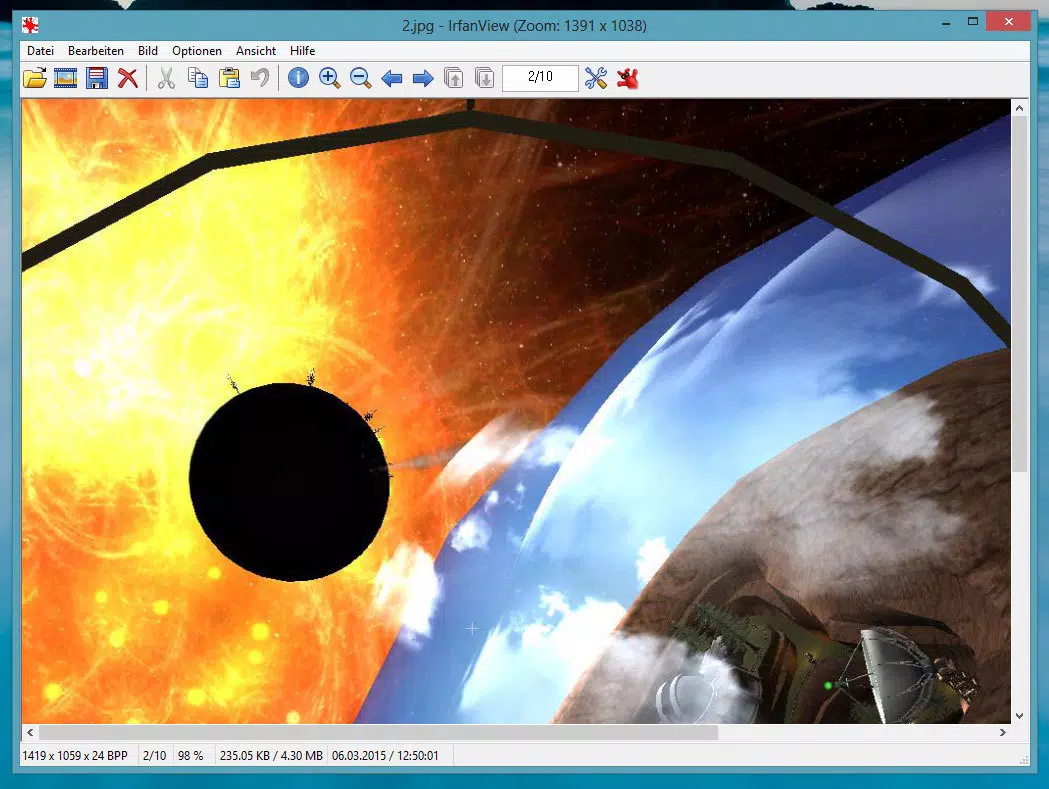
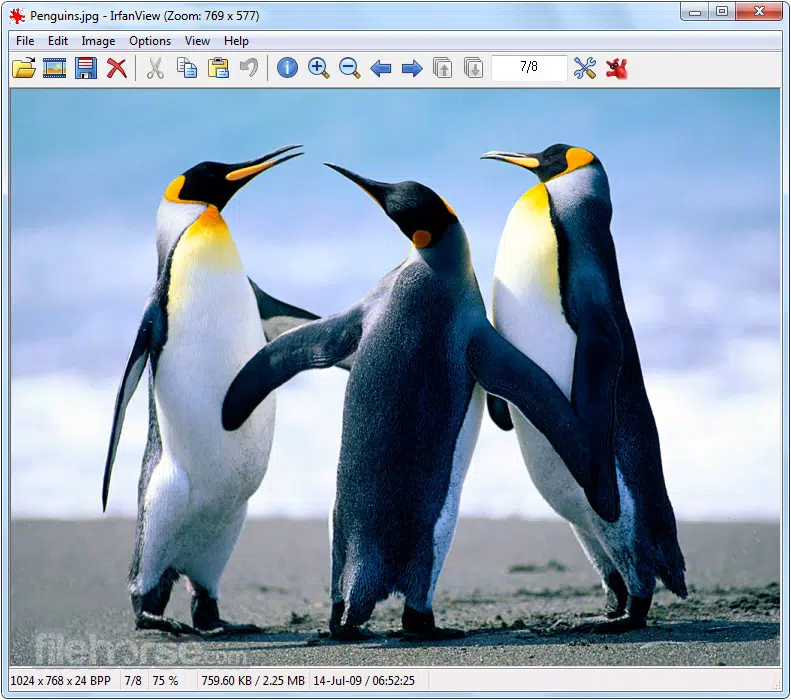
The user interface of IrfanView (32-bit) is clean, minimal, and highly functional. It features a straightforward layout with essential controls positioned for easy access, reducing the learning curve for new users. Navigation is intuitive, with a focus on speed and efficiency—users can open files directly from the file explorer or use keyboard shortcuts for rapid operations.
Visual elements are kept simple, avoiding clutter while maintaining clarity. The thumbnail view mode enhances browsing speed, and the ability to switch between different display modes (e.g., full-screen, windowed) improves usability across different tasks. The software performs well on a range of Windows devices, from older systems to modern machines, thanks to its compact size of just 1.5 MB.
Although the developer did not list formal performance metrics, the software’s lightweight design suggests efficient memory usage and fast loading times. Responsiveness is consistent, even when handling large image files or batch operations. Stability is maintained during extended use, with no reported crashes in standard usage scenarios. Overall, the UX prioritizes speed and usability, aligning with the expectations of users who value performance over flashy design.
Platform Compatibility & Technical Requirements
IrfanView (32-bit) is designed for the Windows operating system and is compatible with various versions of the platform. The software is available in a 32-bit version, which ensures support for older systems that may not run 64-bit applications. The current version is 4.61, released on September 15, 2023, and the file size is 1.5 MB, reflecting its lightweight nature.
Specific requirements were not listed, but given the app’s small size and long-standing presence, it is likely to function on systems with minimal hardware specifications. The developer did not specify minimum OS requirements or recommended hardware, so users should exercise caution when installing on outdated or unsupported systems. Compatibility with modern Windows versions is expected, but verification on specific configurations is advised.
Pros and Cons
Pros
- Extremely lightweight at only 1.5 MB in size
- Supports a vast number of image file formats
- Free to download and use without ads or hidden costs
- Efficient batch processing for time-saving workflows
- Highly customizable with hotkeys and plugin support
Cons
- 32-bit version may limit performance on modern 64-bit systems
- No official mobile or cross-platform versions available
- Interface may appear outdated to users expecting modern design trends
- Limited documentation for advanced features
- Developer did not provide detailed system requirements
FAQ
Is IrfanView (32-bit) safe to download and install?
Yes, IrfanView (32-bit) is a trusted application developed by Irfan Skiljan. It is free from malware and adware, and the official download sources are secure.
Can I use IrfanView on Windows 10 or Windows 11?
Yes, the software is compatible with Windows 10 and Windows 11, though specific compatibility may depend on system configuration and whether the 32-bit version is supported.
Does IrfanView support batch processing of images?
Yes, IrfanView includes a powerful batch conversion and editing feature that allows users to process multiple images at once, including resizing, renaming, and applying filters.
Is IrfanView available for Android or iOS?
No, IrfanView (32-bit) is currently only available for Windows. There are no official versions for Android or iOS platforms.
How often is IrfanView updated?
The latest version, 4.61, was released on September 15, 2023. While update frequency is not publicly detailed, the developer maintains regular releases to improve functionality and fix bugs.
Final Thoughts
IrfanView (32-bit) stands out as a reliable, fast, and feature-rich image viewer and converter for Windows users. Its ability to handle diverse file formats, combined with powerful batch processing and editing tools, makes it an essential utility for anyone managing digital images. The software’s minimal footprint and free availability enhance its appeal, particularly for users seeking a no-nonsense solution without sacrificing functionality.
While the 32-bit limitation may restrict performance on newer systems, the app remains highly effective for users on older hardware or those who prefer lightweight tools. Its customization options and extensibility through plugins and command-line use make it adaptable to advanced workflows. For professionals and casual users alike, IrfanView delivers strong value with minimal overhead.
Download IrfanView (32-bit) now


